
Key Takeaways
- Every Bitcoin transfer needs the recipient’s public wallet address. Sending to the wrong one means the funds are permanently gone.
- Network fees change based on how busy the Bitcoin blockchain is at the time you send.
- You can track any Bitcoin transfer using a blockchain explorer and your transaction ID.
Sending bitcoin requires a recipient’s wallet address, the right fee, and a quick review before confirming. Whether you’re paying someone back, moving funds between your own wallets, or trying out a new Ledger hardware wallet, the process follows the same basic flow every time. This guide covers how to send bitcoin safely and track your transfer on the blockchain.
What Actually Happens When You Send Bitcoin
A lot of people hit send and assume it works like a bank transfer, but it works quite differently. Bitcoin has no central processor approving the move. Your transaction goes out to the Bitcoin network, where miners verify and record it on the blockchain permanently.
Three things drive this process:
- Your private key signs the transaction, proving you own the funds you’re sending
- The recipient’s public address tells the network exactly where the bitcoin should go
- Miners confirm the transaction is valid and add it to the blockchain as a permanent record
Once confirmed, the transfer cannot be undone. There are no chargebacks and no way to reverse it after the fact. That’s exactly why getting the recipient address right before you send matters so much.
How to Send Bitcoin Step by Step
The steps below work for most Bitcoin wallets, including mobile apps, desktop wallets, and platforms like Coinbase or Kraken. The layout may look slightly different depending on the app you use, but the core process stays consistent across the board.
Step 1: Open Your Wallet and Find the Send Option
Open your Bitcoin wallet and look for the “Send” or “Send Bitcoin” button. On most apps, this sits right on the home screen or main dashboard. If you manage more than one wallet, double-check that you’re sending from the correct one before moving forward.
Step 2: Enter the Recipient’s Address
Paste the recipient’s wallet address into the address field provided. Most wallets also let you scan a QR code, which is the safest option since it removes any risk of a typo. A Bitcoin address is a long string of letters and numbers, so always copy and paste it rather than attempting to type it out manually.
Step 3: Enter the Amount to Send
Type in how much bitcoin you want to send. Most wallets let you toggle between BTC and a local currency like USD, which makes it easier to send a specific dollar value. Keep in mind that the transaction fee comes on top of the amount you enter, so your balance needs to cover both before you confirm.
Step 4: Set Your Transaction Fee
The fee you pay goes to miners who process and verify your transaction. A higher fee generally results in faster confirmation, while a low fee during busy network periods can leave your transaction stuck for hours. Most wallets suggest a fee based on current network conditions, and that estimate works well for standard transfers. For anything time-sensitive, bumping the fee up slightly is worth considering.
Step 5: Review Everything and Confirm
Before tapping confirm, check the recipient address one final time. Verify the send amount and the fee side by side. Once everything looks correct, tap “Confirm” or “Send,” and your wallet may ask for a PIN or fingerprint to authorize the transaction. After that step, the transfer will show as pending until miners pick it up and process it.
How to Track Your Bitcoin Transaction
After sending, your wallet will generate a transaction ID, also called a TXID. You can copy that ID and paste it into a public blockchain explorer like Mempool.space or Blockchair to see exactly where your transfer stands in real time.
Here’s what the confirmation count tells you:
- 0 confirmations means the transaction is waiting in the mempool for a miner to pick it up
- 1 to 2 confirmations means miners have started processing it and progress is underway
- 6 confirmations is the standard point where a transaction is considered fully secure and settled
Most transfers confirm within 10 to 30 minutes under normal network conditions. If yours sits at zero for an extended period, the fee was likely set too low. Some wallets support a Replace-by-Fee (RBF) feature that lets you rebroadcast the transaction with a higher fee to move things along faster.
Common Mistakes Worth Avoiding
Even experienced users slip up sometimes, so it’s worth going over a few things before you confirm any transfer. A little extra care upfront saves a lot of frustration later.
- Sending to the wrong address means the funds are gone with no recovery option, so always verify before confirming
- Using the wrong address format can cause issues, since different Bitcoin address types aren’t always compatible with every wallet
- Not accounting for the fee is a common oversight, so make sure your balance covers both the send amount and the network fee
- Skipping a test transaction on large transfers is a risk you can easily avoid by sending a small amount first to confirm everything works
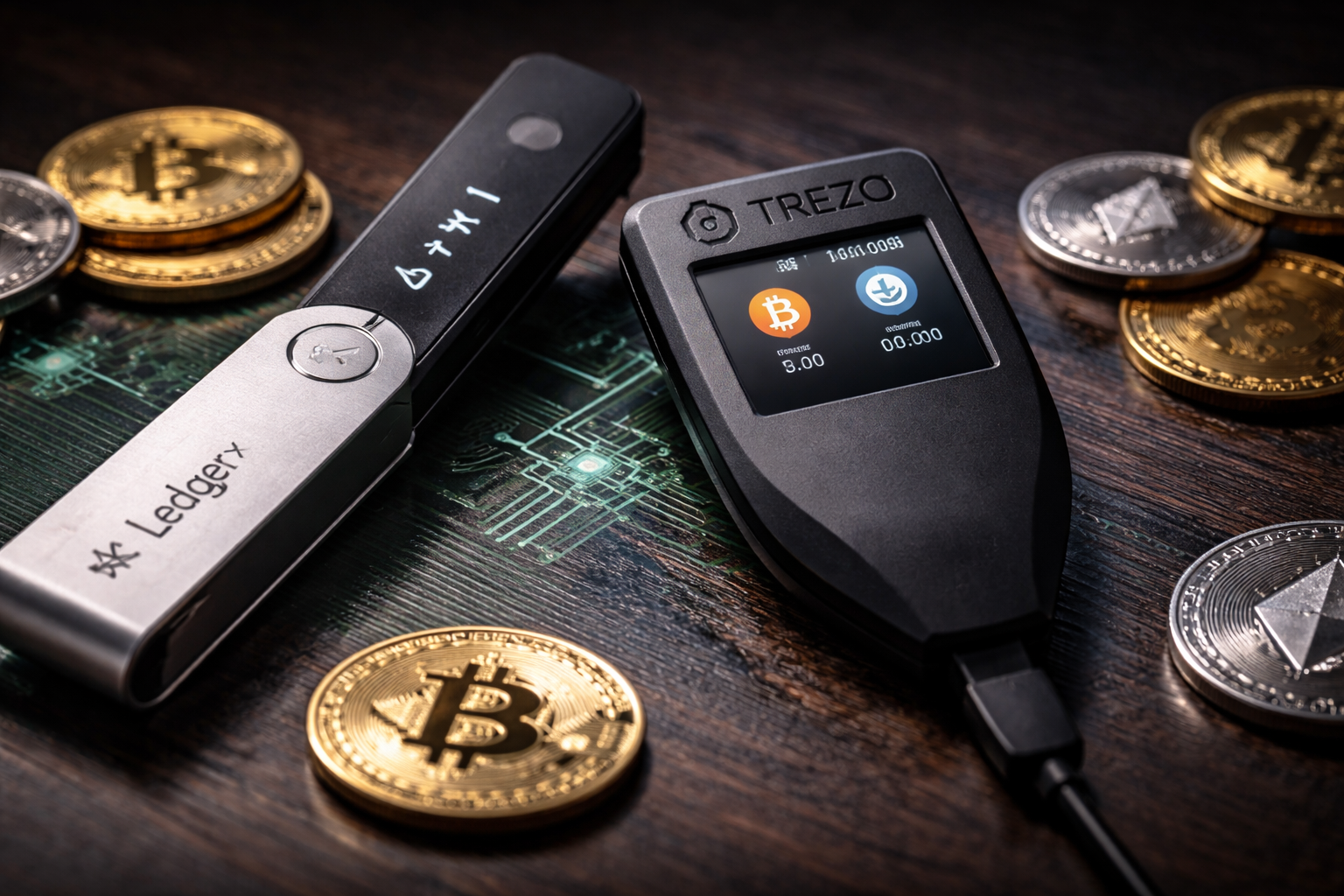
Keeping your bitcoin on a hardware wallet like Trezor adds meaningful protection, especially for larger holdings. If you’re still deciding where to store your funds, this guide on how to choose the best Bitcoin wallet is a solid place to start.
Frequently Asked Questions
Can a Bitcoin transaction be reversed after sending?
No, it cannot. Once a transaction gets confirmed on the blockchain, it becomes a permanent record that nobody can alter or cancel. This is why verifying the recipient address before you confirm is so important every single time.
How long does a Bitcoin transfer usually take?
Most transfers confirm within 10 to 30 minutes under normal network conditions. High congestion or a fee that’s set too low can extend that wait significantly, so setting an appropriate fee helps keep things on track.
What is a TXID and how do you use it?
A TXID is the unique identifier assigned to every Bitcoin transaction the moment it gets broadcast to the network. You can paste it into any blockchain explorer to check the confirmation status of your transfer in real time.
What should you do if a Bitcoin transaction gets stuck?
If your transaction sits at zero confirmations for a long time, the fee was most likely too low for miners to prioritize it. Check whether your wallet supports Replace-by-Fee (RBF), which lets you resubmit the transaction with a higher fee to push it through faster.