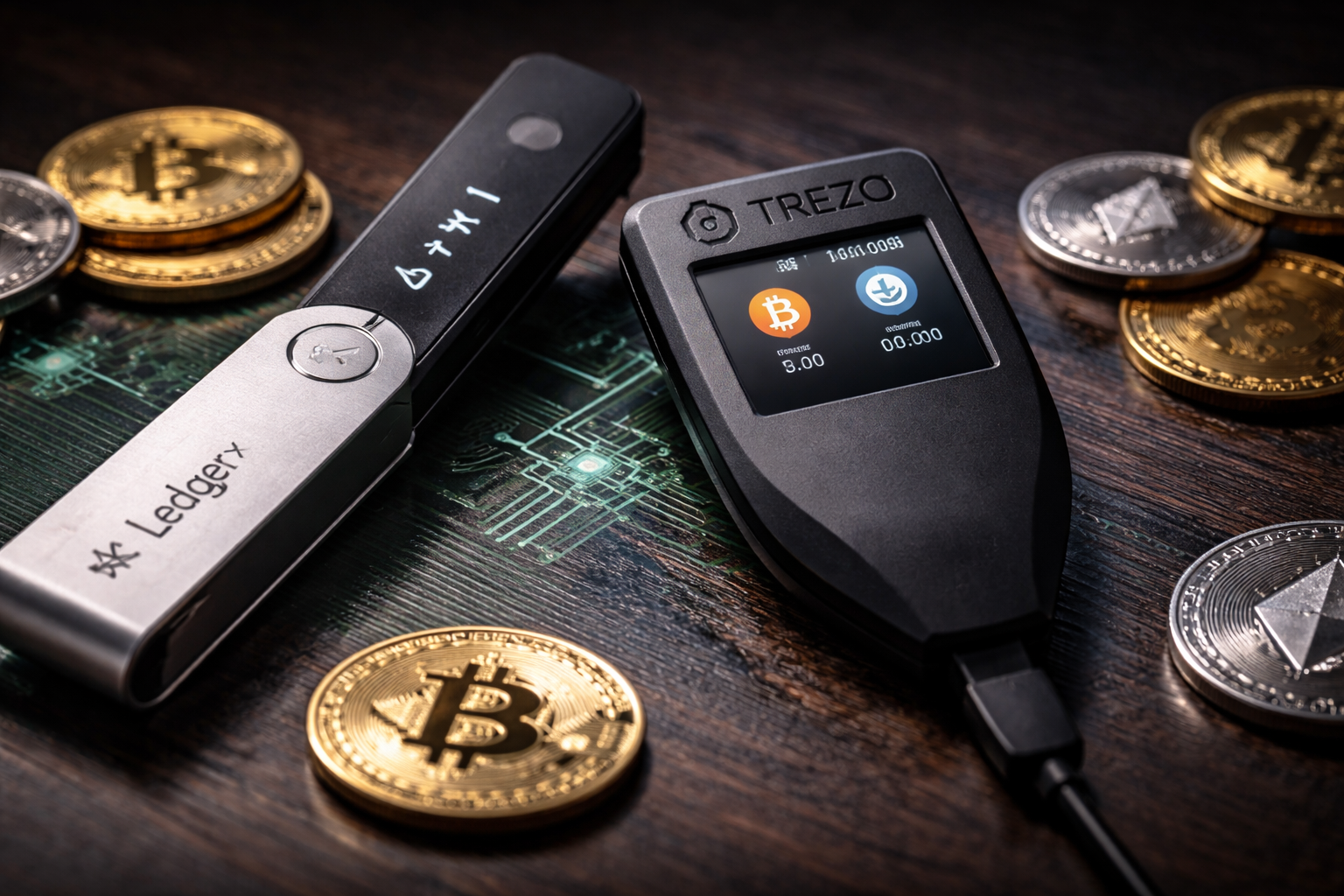
Key Takeaways
- Ledger uses a Secure Element chip for stronger physical protection, while Trezor runs fully open-source firmware that anyone can verify.
- Trezor supports over 9,000 coins through third-party wallets. Ledger covers 5,500+ coins natively through its own app.
- Both wallets protect your private keys offline, but they differ in price, coin support, and security design.
Hardware wallets are the most reliable way to keep your crypto off exchanges and away from online threats. Ledger and Trezor have been the two go-to names for years. Both get the job done, but they take different paths to security, usability, and pricing. Knowing those differences helps you pick the one that actually fits your needs.
How Do Ledger and Trezor Handle Security?
Security is the core reason people buy hardware wallets, so this is the right place to start. Both devices keep your private keys offline, but their hardware designs work quite differently.
What Makes Ledger’s Security Stand Out?
Ledger devices run on a Secure Element (SE) chip. This is the same chip technology used in credit cards and passports. It resists physical tampering and side-channel attacks far better than standard microcontrollers.
The downside is that Ledger’s firmware is closed-source. You have to trust Ledger’s security claims rather than verify the code yourself. For users who prefer transparency, that can feel like a compromise.
Why Does Trezor’s Open-Source Design Matter?
Trezor takes a completely different position. Its firmware is open-source and publicly available on GitHub. Security researchers can read and audit the code at any time. That level of visibility is genuinely valuable for users who want to verify rather than assume.
The trade-off is that Trezor uses a general-purpose microcontroller without a dedicated Secure Element. This makes older Trezor models more vulnerable to physical attacks if someone gains direct access to the device for an extended period.
So Which One Is Actually Safer?
Neither model is clearly better for every situation. Ledger is harder to attack physically. Trezor is harder to deceive at the software level because its code is open to public review. Most people face software-based threats, so Trezor’s openness works in their favor. Physical attacks from skilled adversaries are a far smaller risk for the average crypto holder.
Which Coins Do Ledger and Trezor Support?
Coin support often decides the winner for people holding a mixed portfolio. Both wallets cover thousands of assets, but their approaches differ in some practical ways.
Here is a clear breakdown of what each wallet offers:
- Ledger supports over 5,500 coins and tokens natively through the Ledger Live app, including Solana, Cardano, XRP, and most ERC-20 tokens.
- Trezor supports 9,000+ coins when paired with third-party wallets like MetaMask, Exodus, or Electrum. Native support through Trezor Suite is more limited.
- Trezor does not support XRP directly in Trezor Suite. Third-party wallet integrations offer a workaround, but it adds steps.
- Ledger handles a broader range of assets within its own app, so you rarely need to pull in external software.
If you want to manage everything in one place without extra setup, Ledger’s native support gives you more convenience. If you already use third-party wallets and value flexibility, Trezor’s broad compatibility is a real strength.
How Do Ledger and Trezor Compare on Price?
Both brands offer devices at multiple price points, so there is an entry-level option and a premium option on each side. Here is where the models land.
Ledger Models and Pricing
- Ledger Nano S Plus is the entry-level pick at around $79. It handles most coins and connects via USB-C.
- Ledger Nano X adds Bluetooth for mobile use and costs around $149.
- Ledger Flex and Ledger Stax are premium models with touchscreens. Prices start at $249 and go up from there.
Trezor Models and Pricing
- Trezor One is the most affordable device at around $69. It covers the basics without extras.
- Trezor Model T adds a touchscreen and wider coin support at around $179.
- Trezor Safe 3 is a newer mid-range model that adds a Secure Element chip, closing the hardware gap with Ledger at around $79.
The Trezor Safe 3 is a notable option worth calling out. It combines Trezor’s open-source firmware with a Secure Element chip, which directly addresses the main hardware weakness of earlier Trezor models.
Which Wallet Works Better Day to Day?
A wallet that feels frustrating to use is one you might stop using, so ease of use plays a real role in long-term security habits. For more guidance on picking between wallet options, the how to choose the best Bitcoin wallet guide is a solid starting point.
Ledger Live is polished and well-maintained. You can buy, swap, and stake directly inside the app. The interface is clean and works well for beginners getting started with self-custodial wallets.
Trezor Suite is clean and straightforward, but it offers fewer built-in features. What it gives up in convenience, it makes up for in transparency since the Suite software is open-source as well.
For mobile users, the Ledger Nano X has a clear advantage with Bluetooth connectivity. Trezor currently requires a wired connection across all its models.
Frequently Asked Questions
Is Ledger or Trezor safer for storing Bitcoin?
Both wallets store Bitcoin securely offline. Ledger provides stronger physical protection through its Secure Element chip. Trezor offers transparent, auditable code for software-level assurance. For most users, either device provides more than enough protection for Bitcoin storage.
Can someone hack a Trezor wallet?
Remote hacking is extremely difficult with any hardware wallet. Trezor is more vulnerable to physical extraction attacks compared to Ledger, particularly with older models. The Trezor Safe 3 addresses this with its added Secure Element chip.
Does Ledger Live ever store your private keys?
No. Ledger Live is a companion app only and never holds your private keys. Your keys stay on the hardware device at all times. Ledger Live connects to the blockchain to show balances and help sign transactions.
Which wallet works better for beginners?
Ledger is generally the easier starting point thanks to its polished Ledger Live app and strong native coin support. Trezor is also beginner-friendly, but some coins require third-party wallet setup, which adds a few extra steps.
Are there other hardware wallets worth considering?
Yes. Options like Tangem and SafePal offer solid alternatives at different price points. You can also explore a broader set of options through this top crypto wallets guide for more side-by-side comparisons.