This article contains affiliate links. If you sign up or buy through them, UseTheBitcoin may earn a commission at no extra cost to you. It does not change what we write. Disclosure Policy
Every year, people lose their entire crypto balance to mistakes that could have been avoided: a seed phrase saved in Google Notes, a password reused from an old account, or funds left on an exchange that gets hacked.
Unlike a bank, there is no fraud department to call, no password reset, and no transaction to reverse. Here are the seven mistakes that catch beginners off guard, and the specific steps that prevent each one.
How Can You Secure a Crypto Wallet?
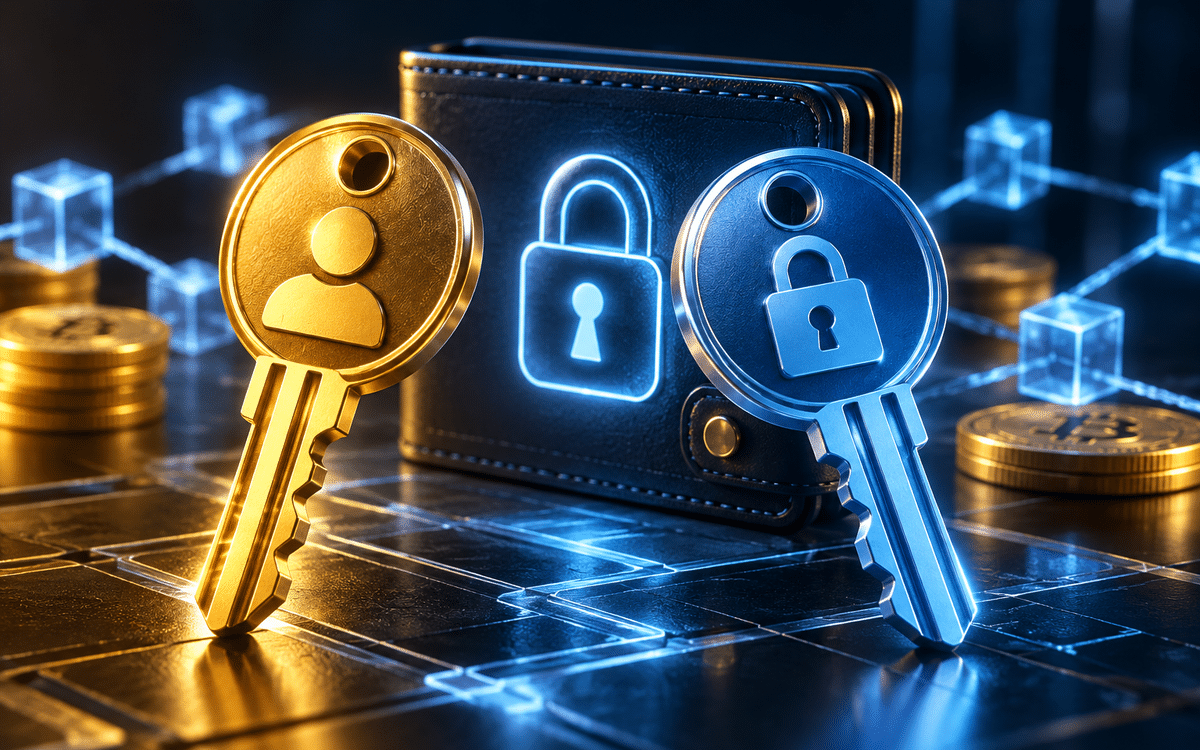
A crypto wallet does not store your coins the way a bank account holds money. It stores your private key, a unique string of characters that proves you own the funds on the blockchain. Think of it like the combination to a safe: whoever has it can open it, no questions asked.
When you set up a wallet, you are also given a seed phrase, a sequence of 12 or 24 words that can be used to regenerate your private key on any device. That seed phrase is the most sensitive thing you will ever have in crypto. Every security mistake in this guide ultimately comes down to one thing: exposing that key or making it easy for someone else to access it.
Why Wallet Security Is the First Thing a Beginner Needs to Understand
Most people new to crypto spend hours researching which coin to buy and treat security as an afterthought, and that gap is exactly what attackers count on. According to Chainalysis, hackers stole $2.2 billion in cryptocurrency in 2024, and a large share of those losses came not from sophisticated attacks but from basic, avoidable mistakes.
If you are just getting started, the good news is that protecting yourself does not require technical expertise. It requires knowing what not to do. For a full breakdown of wallet types and how to pick the right one, visit our crypto wallet hub.
Most Common Crypto Wallet Security Mistakes
These are not theoretical risks. Each one has led to real losses, and each one is preventable once you know what to look for.
Mistake 1: Storing Your Seed Phrase Digitally
When you create a crypto wallet, you receive a seed phrase, a sequence of 12 or 24 words that acts as a master key to your funds. Anyone who has it can access your wallet from any device, anywhere in the world.
A common mistake among beginners is saving that phrase in a note-taking app, an email draft, a cloud storage folder, or a screenshot gallery, all of which are frequent targets for hackers and malware that scan for seed phrase patterns. There is no transaction to reverse and no support team to call. Once it is gone, it is gone.
Write your seed phrase on paper and store it in a secure physical location, such as a fireproof safe or a locked drawer. Some users engrave their phrase on a metal plate for fire and water resistance. Never type it into any device or share it over any digital channel.
Mistake 2: Using a Weak or Reused Password
Many software wallets and exchange accounts are protected by a password. Using a short, simple, or previously used password is one of the easiest ways to lose access to your funds.
Credential stuffing attacks use leaked username and password combinations from other data breaches to target crypto accounts, meaning a breach on one unrelated platform could be all it takes to empty your wallet right now.
Use a unique, randomly generated password of at least 16 characters for every crypto account. A password manager such as Bitwarden or 1Password can generate and securely store these. Enable two-factor authentication (2FA) wherever it is available, preferably using an authenticator app rather than SMS.
Mistake 3: Falling for Phishing Attacks
Phishing attacks in crypto typically arrive as fake wallet apps, counterfeit exchange login pages, or emails asking you to verify your seed phrase. By the time most victims realize something is wrong, the funds are already gone, often within minutes.
Always type wallet and exchange URLs directly into your browser rather than clicking links from emails or social media. Bookmark the official sites you use regularly and verify the address starts with https:// before entering any credentials. No legitimate wallet, exchange, or support team will ever ask for your seed phrase. If something does, it is a scam.
Mistake 4: Using Public Wi-Fi Without Protection
Accessing your crypto wallet or exchange account from a coffee shop, airport, or hotel Wi-Fi network exposes your connection to potential interception. Public Wi-Fi networks are often unencrypted or poorly secured, and attackers on the same network can use man-in-the-middle techniques to silently capture login credentials or session tokens without you ever knowing it happened.
Avoid accessing crypto wallets on public Wi-Fi whenever possible. If you need to, use a reputable VPN to encrypt your connection. Cellular data is generally a safer alternative for sensitive transactions.
Mistake 5: Skipping Two-Factor Authentication
Two-factor authentication (2FA) adds a second verification step, usually a time-based code, when logging into an account. Many users skip it because it adds a few seconds to the login process, but that small friction is the only thing standing between an attacker and your password and full access to your account.
Enable 2FA on every exchange account and wallet app that supports it. Use an authenticator app such as Google Authenticator or Authy, or a hardware key, rather than SMS-based 2FA, which is vulnerable to SIM-swapping attacks. Store your 2FA backup codes in a secure, offline location. If you want to go further, moving funds to a self-custodial wallet removes exchange-level risk entirely.
Mistake 6: Downloading Wallets From Unofficial Sources
Fake wallet apps are a well-documented threat across both Android and iOS app stores, and are especially prevalent on third-party download sites. These apps mimic the design of legitimate wallets but are built to steal private keys or seed phrases. Once you import your seed phrase into a fake app, the attacker has full access to your funds. In many cases, the theft happens quietly in the background while the app appears to work normally.
Only download wallet software from the project’s official website. Cross-reference the download link against the project’s official social media accounts and GitHub repository. Check reviews and download counts on app stores, but do not rely on them exclusively. Fake apps can accumulate reviews quickly.
Mistake 7: Keeping Large Balances on Exchanges
Many beginners buy cryptocurrency on an exchange and leave it there indefinitely, treating the exchange account as their wallet. Exchanges are centralized platforms that have been hacked, frozen, or shut down throughout crypto’s history. When that happens, users often have no recourse. The phrase common in the crypto community, “not your keys, not your coins,” exists precisely because this has already cost people everything.
For amounts you are not actively trading, transfer funds to a self-custody wallet where you control the private keys. Hardware wallets such as Ledger or Trezor provide an additional layer of security by keeping private keys offline. Only keep on an exchange what you plan to trade in the near term.
Frequently Asked Questions
Got more questions? Here is what most beginners ask after learning about wallet security.
What is the safest type of crypto wallet?
Hardware wallets are widely considered the safest option for storing cryptocurrency. They keep private keys offline on a physical device, making them far less vulnerable to remote attacks. Examples include Ledger and Trezor. For smaller amounts or frequent transactions, a reputable software wallet with 2FA enabled is a practical alternative.
Can I recover my crypto if I lose my seed phrase?
No. If you lose your seed phrase and no longer have access to your wallet device, your funds cannot be recovered. There is no central authority that can reset or restore access. This is why storing your seed phrase securely in a physical location is essential from the moment you create a wallet.
What should I do if I think my wallet has been compromised?
Act immediately. Create a new wallet, write down the new seed phrase, and transfer your remaining funds to the new address as quickly as possible. Then, investigate how the breach may have occurred: check for malware, phishing exposure, or unauthorized app access to prevent it from happening again.
Is it safe to store crypto on a phone?
Mobile wallets are convenient for small amounts but carry more risk than hardware wallets. If your phone is lost, stolen, or infected with malware, your funds could be at risk. Keep only what you need for day-to-day use on a mobile wallet, and back up your seed phrase securely.
What is a SIM-swap attack?
A SIM-swap attack occurs when a fraudster convinces your mobile carrier to transfer your phone number to a SIM card they control. This allows them to intercept SMS-based 2FA codes and gain access to accounts tied to that number. Using an authenticator app instead of SMS for 2FA sharply reduces this risk.
Your Next Step
If you have not already moved your crypto off an exchange into a wallet you control, that is the highest-impact action you can take today. Start with our guide to choosing a hardware wallet to find the right option for your situation.
More crypto guides: Guides hub · What is cryptocurrency · What is a seed phrase · 7 crypto scams to avoid