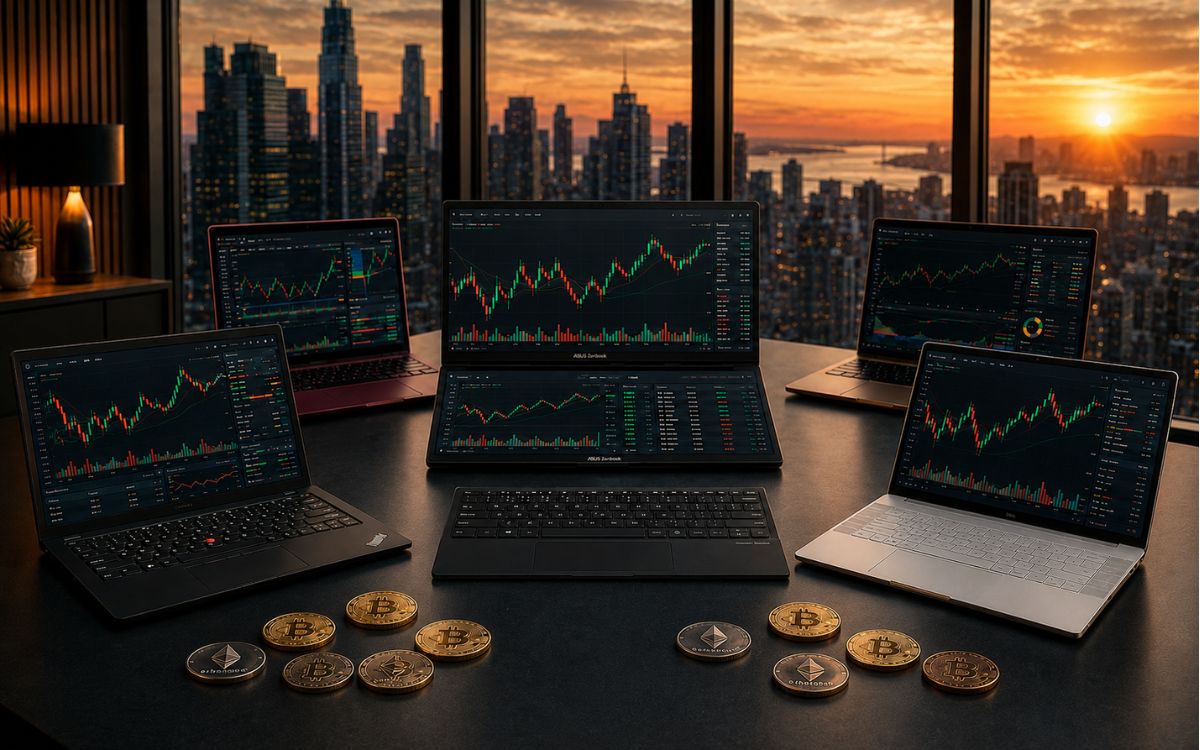
A trading laptop is the machine your charts, order execution, and price alerts run on every single session, so a slow one costs you more than a bad trade ever could. The five picks below cover a budget option, a Windows workhorse, a dual-screen multitasker, an ultraportable, and the Apple pick, so you can match the machine to how you trade day to day rather than buying the most expensive option on the shelf.
What Matters Most in a Trading Laptop
Before comparing models, it helps to know which specs move the needle and which ones are just marketing. A trading laptop needs enough processing power to run a charting platform, an exchange tab, and a news feed at the same time without stuttering when a candle prints, which means a current-generation Intel Core or AMD Ryzen chip at minimum, or an Apple M-series chip if you’re buying a MacBook.
RAM matters more than most traders expect: 16GB is the floor for anyone running more than a couple of browser tabs alongside a desktop trading app, while 32GB gives real headroom if you keep TradingView, an exchange, a spreadsheet, and a video call open at once.
Storage should be solid-state without exception. An NVMe SSD boots faster and loads charting data quicker than any spinning drive, and 512GB is enough for most traders unless you’re archiving screen recordings or years of backtest data. Screen quality and monitor support round out the list.
A 14 to 16-inch Full HD or higher display with an IPS panel keeps candlestick charts readable without eye strain, and Thunderbolt or USB-C ports that support external monitors let you scale up to two or three screens when you’re trading from a desk instead of a coffee shop. If any of this terminology is unfamiliar, our must-have crypto tools guide breaks down the wider hardware and software stack most active traders end up assembling around their laptop.
1. Acer Nitro 16: Best Budget Pick
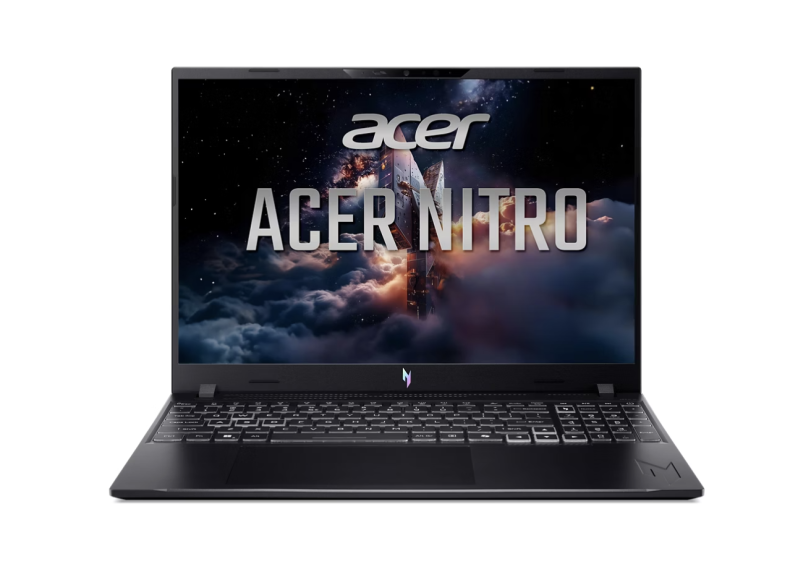
The Acer Nitro line remains the strongest budget option for traders who don’t need a dedicated GPU. The current Nitro 16 pairs a current-generation Intel Core or AMD Ryzen processor with 16GB of RAM and NVMe SSD storage, which is enough to run a charting platform and an exchange tab side by side without lag.
Its Full HD display isn’t as sharp as a 4K panel, but it’s more than sufficient for reading candlestick charts and placing trades. At roughly 5 to 6 lbs, it isn’t the laptop you want to carry around all day, so it suits a trader who mostly works from one desk. Anyone who multitasks heavily should plan to configure it with 32GB of RAM at checkout rather than relying on the base spec.
2. Dell XPS 16: Best for Multi-Monitor Setups
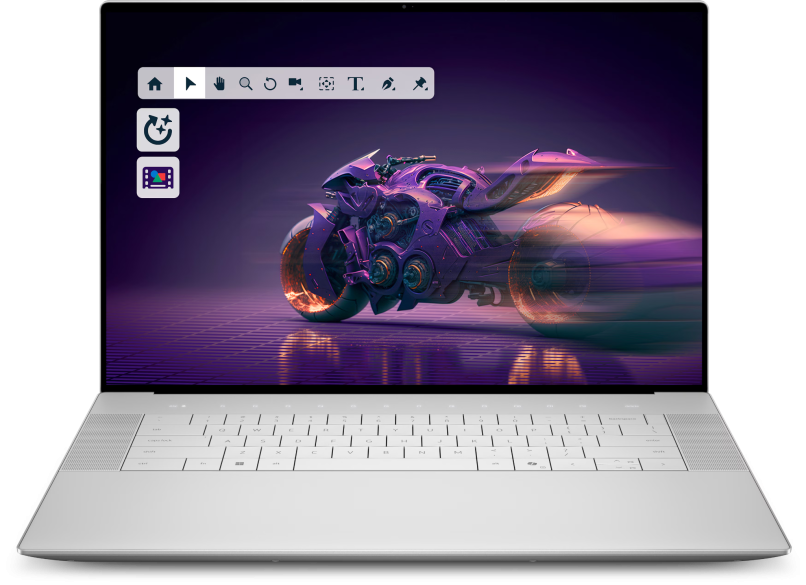
For traders who run two or three external displays, the Dell XPS 16 is built for exactly that. Its Thunderbolt ports handle multiple 4K monitors without the connection dropping mid-session, and configurations with 32GB of RAM and a 1TB SSD keep a broker platform, a charting app, and a dozen tabs responsive during a fast market.
The trade-off is weight and battery life. This is a desk laptop first, built for reliability during a live session rather than portability between locations. If your setup is a home office with a docking station, the XPS 16 is one of the more dependable Windows options on the market right now.
3. Apple MacBook Pro: Best for the Apple Ecosystem
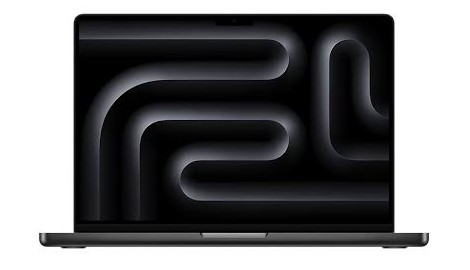
The Apple MacBook Pro runs on Apple’s own silicon, which handles charting platforms and exchange apps with noticeably better battery efficiency than most Windows equivalents.
The 16-inch model’s Liquid Retina XDR display is sharp enough to make small chart details, like a support line breaking by a few cents, easy to spot without zooming in, though stepping up to that larger screen also means stepping up to the higher-tier chip that ships with it.
The entry-level 14-inch model starts at 16GB of unified memory and 512GB of SSD storage, which is a comfortable starting point for most traders. The 16-inch model only ships with the more powerful chip tier, starting at 24GB of unified memory and 1TB of storage.
Traders already using TradingView or Thinkorswim on macOS, or who simply prefer Apple’s ecosystem for syncing between a phone and a laptop, tend to get the most out of this pick. The main downside is price relative to comparable Windows machines with similar RAM and storage.
4. Lenovo ThinkPad X1 Carbon: Best for Travel
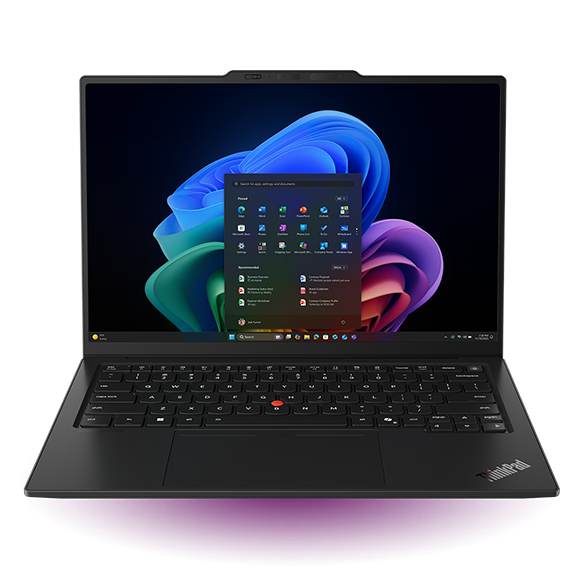
Traders who move between locations, or who trade from a phone and laptop combination while traveling, tend to land on the Lenovo ThinkPad X1 Carbon. It weighs under 2.5 lbs, which is dramatically lighter than every other laptop on this list, without sacrificing the thermal stability that keeps a charting app from throttling mid-session.
It supports dual external monitors through its USB-C ports, so it can still function as a desk setup when you’re home. The integrated graphics mean it isn’t the machine for GPU-heavy backtesting software, but for reading charts and executing trades it holds up well against machines twice its weight.
5. ASUS Zenbook Duo: Best for Dual-Screen Multitasking
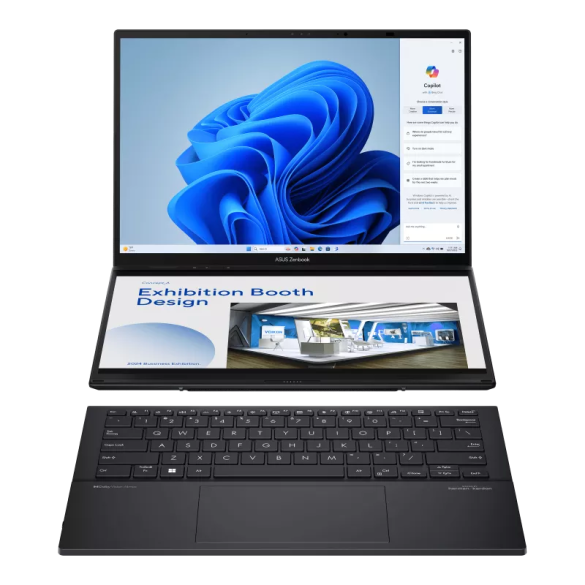
The ASUS Zenbook Duo keeps the dual-screen concept from the earlier ZenBook Pro Duo but built into two full-size, detachable displays instead of one small secondary panel. That gives a trader two complete screens in a single laptop, useful for keeping a chart open on one panel while running order entry or research on the other.
The trade-off is price and weight. A dual-screen laptop with two OLED panels costs more than a comparable single-screen ultrabook and weighs closer to a traditional 15 or 16-inch laptop despite its compact footprint.
Traders who value that extra screen real estate over squeezing out the lightest possible bag weight, and who mostly trade from a plugged-in setup, get the most value out of this configuration.
Comparison at a Glance
Lined up side by side, the differences between these five come down to RAM headroom and storage rather than raw brand reputation. The Acer Nitro 16 ships with 16GB of RAM and a 512GB NVMe SSD, though it’s the easiest of the five to upgrade to 32GB at checkout for traders who expect to multitask.
The Dell XPS 16 comes configured with 32GB of RAM and a 1TB NVMe SSD, the most generous specs on this list, which is why it handles multi-monitor setups the most comfortably.
The Apple MacBook Pro 14-inch runs 16GB of unified memory and 512GB of SSD storage at its entry tier, a smaller footprint on paper that still performs well thanks to Apple’s chip efficiency. The Lenovo ThinkPad X1 Carbon sticks to 16GB of RAM and a 512GB NVMe SSD at its base configuration, optimized for travel weight over raw specs.
The ASUS Zenbook Duo ships standard with 32GB of RAM and a 1TB SSD, since running two full displays leaves less room to cut corners on memory. Whichever spec balance you land on, the laptop itself is just the entry point, so once the hardware is settled, our Resources section covers the exchanges, wallets, and other tools most traders build around it before placing a first trade.
Frequently Asked Questions
Still deciding between two of these picks? These are the questions that come up most often once traders start comparing specs.
Do I need a gaming laptop to trade crypto?
No. Gaming laptops have strong GPUs and good cooling, which can help if you also run heavy backtesting software, but most charting platforms and exchange interfaces run fine on integrated graphics. The processor, RAM, and display quality matter more than GPU horsepower for day-to-day trading.
How much RAM do I need for crypto trading?
16GB is a workable minimum for one charting app plus a browser with a handful of tabs. 32GB is the safer choice if you regularly run a charting platform, an exchange, a spreadsheet, and a video call at the same time without wanting to close anything.
Is a MacBook or a Windows laptop better for trading?
Neither is objectively better. A MacBook tends to offer stronger battery life and a smoother experience if you’re already inside Apple’s ecosystem. A Windows laptop, particularly from Dell or Lenovo, tends to offer more configuration options and easier multi-monitor setups at a given price point.
Can I trade crypto on a budget laptop?
Yes, as long as it has a current-generation processor, at least 16GB of RAM, and an NVMe SSD. A budget laptop with a spinning hard drive or fewer than 8GB of RAM will struggle the moment you open more than one trading tab.
What screen size is best for reading crypto charts?
A 14 to 16-inch display is the sweet spot for portability without cramping your charts. If you plan to add external monitors, screen size on the laptop itself matters less since you’ll be doing most of your chart-reading on the bigger external displays.
Which Trading Laptop Should You Buy?
The right choice comes down to where and how you trade. A trader working from one desk with two or three monitors gets the most out of the Dell XPS 16. Someone who travels often should look at the ThinkPad X1 Carbon first.
If you’re inside Apple’s ecosystem already, the MacBook Pro removes the friction of switching platforms. Budget-conscious traders start with the Acer Nitro 16, and anyone who wants two full screens built into one machine should try the ASUS Zenbook Duo before buying a separate portable monitor.