Key Takeaways
- xStocks supports a total of eleven blockchains and one of them is Solana.
- Notably, Phantom and xStocks both announced their integration on September 12, 2025.
- You can buy xStocks tokens directly in your Phantom Wallet on the Solana blockchain.
Solana is no longer just about memecoins as tokenized stocks have been tradable on the blockchain network since September 2025.
xStocks is currently one of the well-established tokenized stock brands, alongside Ondo Stocks, that is mostly visible on the DEX platforms we use today.
If your plan recently shifted from trading memecoins on Phantom to buying US stocks, don’t leave your Phantom Wallet just yet, as it now supports swapping xStocks, so you do not need to create another account with a broker.
In this guide, I will show you how to swap your USDC stablecoin to xStocks on the Solana blockcahin with your Phantom Wallet.
What is xStocks?
Like Robinhood’s Stock Tokens, Gate’s gStocks, and Bitget’s rToken, xStocks are tokenized stocks on the blockchain that mirror the price of the underlying company’s share.
American-based crypto exchange Kraken technically owns the xStocks brand (through its parent company, Payward) since it bought out Backed Finance AG in December 2025.
The token issuer of xStocks is Backed Assets (JE) Limited, while InCore Bank and Alpaca serve as the custodians. Notably, there is also an independent watchdog named Security Agent Services AG monitoring the issuer and custodians.
To identify that the ticker is an xStock, they usually have an “x” suffix after the stock’s official ticker. For example, if the ticker for Microsoft is “MSFT”, then its xStocks version of it is “MSFTx”.
What xStocks can you buy on Phantom Wallet?
According to xStocks’ official website, the issuing entity has already tokenized 1,435 stocks into xStocks as of November 2026.
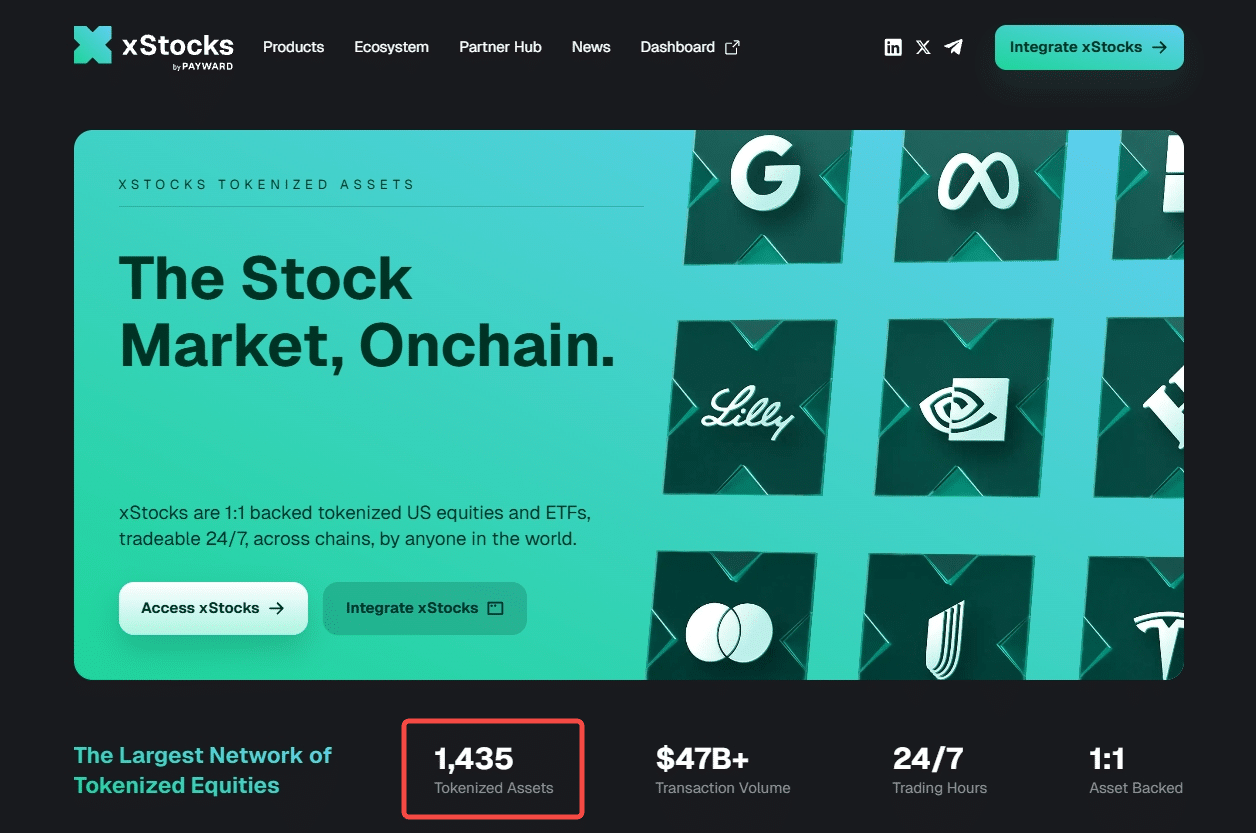
That means you are also able to trade those stocks onchain through your Phantom Wallet.
Since there are over a thousand of them, each tokenized asset has a unique contract address to it.
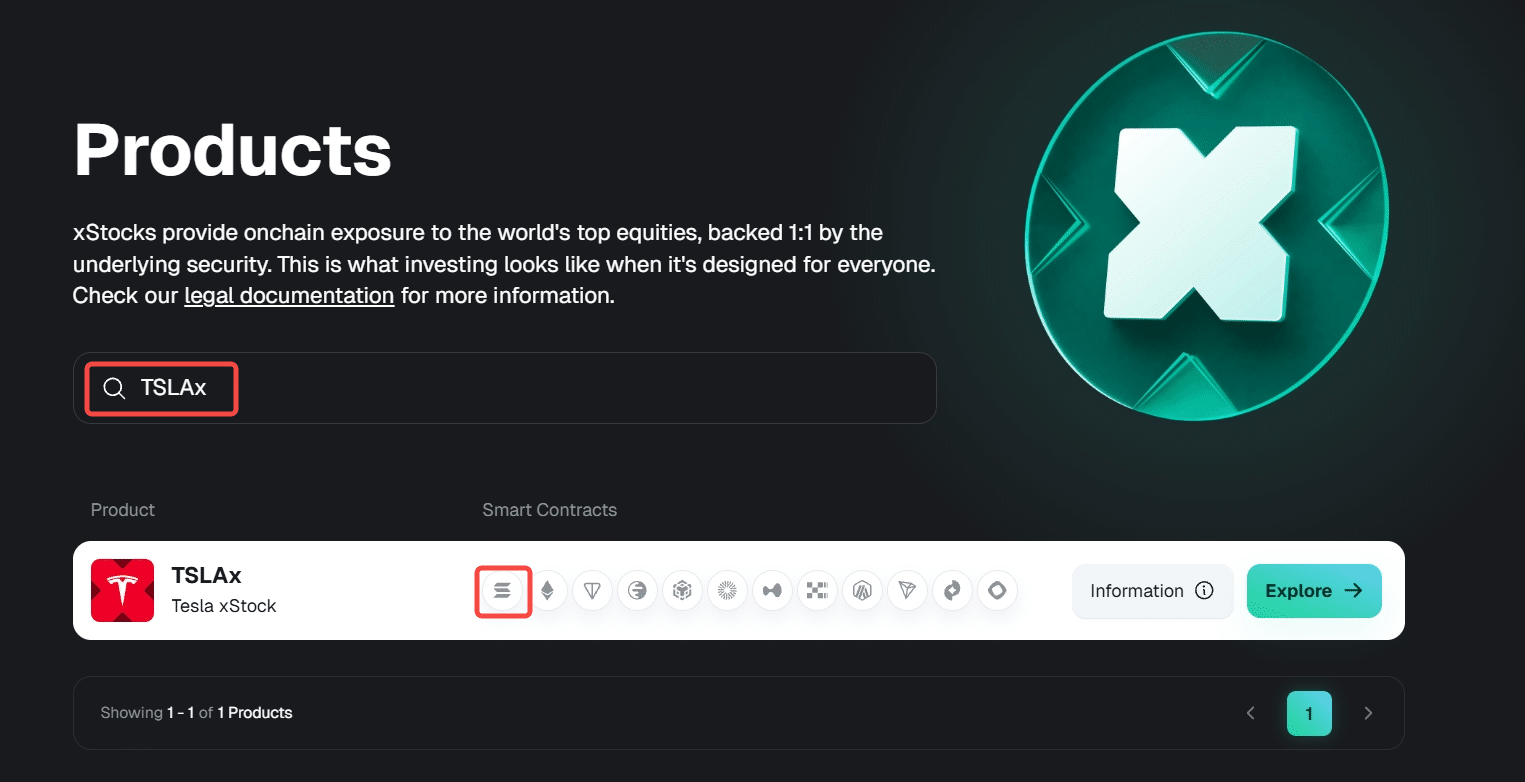
To verify the contract address every time you are eyeing a stock to buy, go to https://xstocks.fi/products, type the official stock ticker plus the “x” suffix (i.e., TSLAx), and click Solana to pull the correct data.
How to buy xStocks on Phantom Wallet
I will now be showing you the easy and comprehensible way on how you can buy xStocks through your Phantom Wallet from A to Z.
Download and set up Phantom Wallet
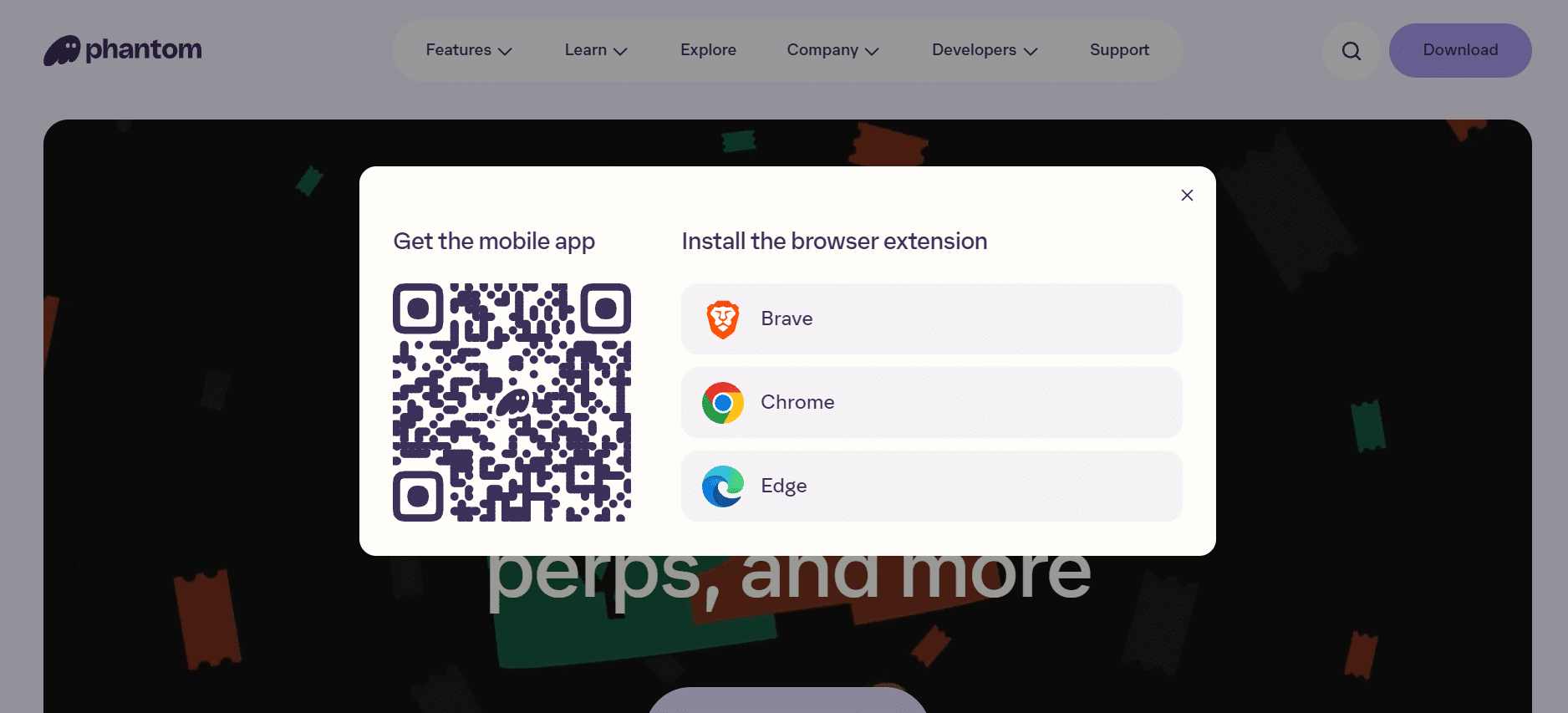
Go to the official website of Phantom at https://phantom.com/ and choose where you want to create your wallet, either on mobile or PC. In this case, I will be downloading Phantom on my browser extension.
Fund your wallet with SOL and USDC
Assuming you have already set up your Phantom wallet, below is what the home page looks like.
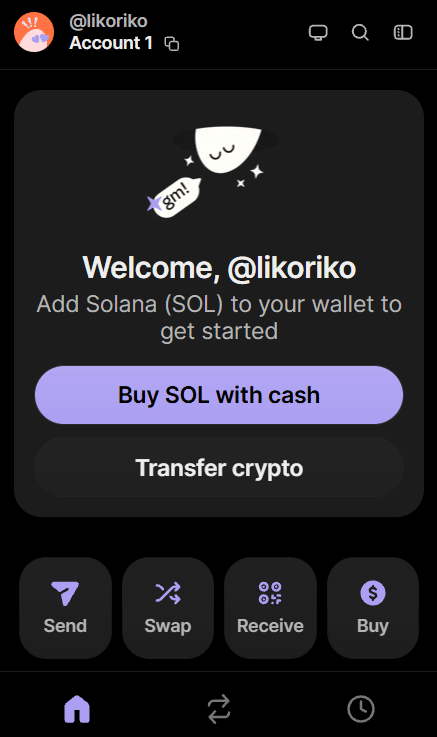
In order to have a successful trade, you need to have USDC and SOL for gas fees. Make sure you deposit them from the centralized exchange you are using.
Find xStocks in Phantom Wallet
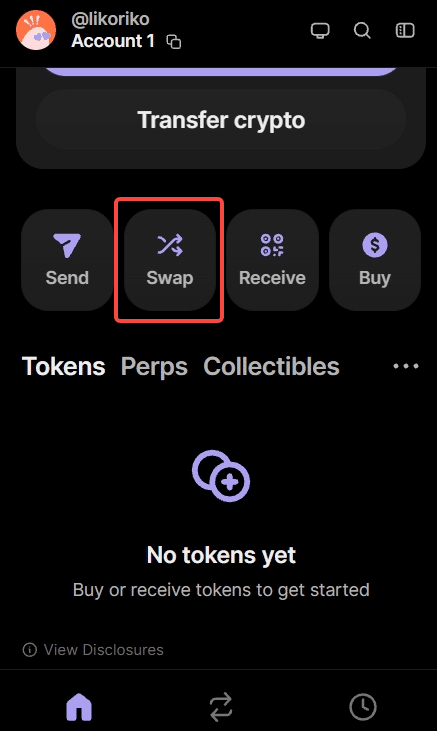
Now, once your Phantom Wallet is loaded with USDC and SOL, you are now ready to trade. Head over to the homepage of your wallet and click “Swap”.
Set USDC as ‘You Pay’ and choose an xStock as ‘You Receive’.
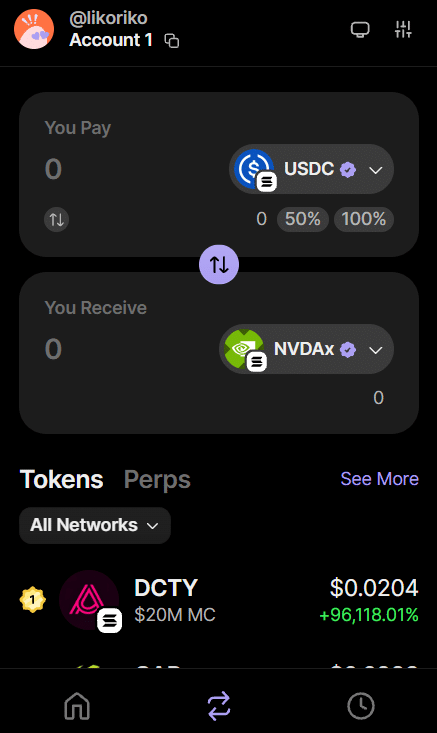
You will know when an xStock is verified because it has a purple checkmark beside it, meaning that contract address is verified by Phantom.
Buy your chosen xStock
Enter the quantity of USDC you wish to use to buy the xStock. Review all details before confirming and signing the smart contract.
Finally, wait for your transaction to go through and after a few minutes, you are now holding xStocks in your Phantom Wallet!
Buying xStocks on Phantom: trading fees and cost
Make sure to use USDC stablecoin when trading xStocks because if you use any stablecoin other than USDC, you will be charged a premium by Phantom. The standard platform fee for swaps is 0.85%.
But overall, trading xStocks on Phantom is relatively cheap, around in the cents range if the network is not busy, so it’s no big deal.
Additionally, if you are not in a hurry, you can even set the mode to ‘Slow’ instead of ‘Standard’ or ‘Fast’ for even lower gas fees if you wish to save some SOL.
Frequently Asked Questions
Want more clarification regarding buying xStocks on Phantom Wallet? You can find the most commonly asked questions below.
Can I set limit orders for xStocks in Phantom?
If you are swapping directly on Phantom, unfortunately no, you cannot set a limit order. If you really want to set limit orders when trading xStocks, you can connect your Phantom Wallet to the most reputable decentralized exchanges (DEX) in the Solana ecosystem, like Jupiter, Meteora, Raydium, and Orca, to name a few.
What happens to my xStocks when the Nasdaq is closed?
You are still able to trade them 24/7, as long as your xStocks are in your Web3 wallet and not on a centralized exchange. Trading tokenized stocks on a CEX is only 24/5.
Can I transfer xStocks from Phantom to Kraken?
Yes. Crypto exchange Kraken supports xStocks on their platform. Just make sure you copy your Kraken wallet address correctly and select the Solana network, since your xStocks are on Solana in your Phantom Wallet.
Why are some xStocks not appearing in my Phantom Wallet?
If the xStock you are searching for is not appearing in your Phantom Wallet, go to https://xstocks.fi/products and search for the ticker of the xStock. Next, copy the correct contract address for that stock, then go back to your Phantom Wallet and paste it into the search bar. You should start to see the stock you are looking for.
Do I need to complete KYC to buy xStocks on Phantom?
No. Since this guide is about trading xStocks on Phantom, decentralized exchanges do not require KYC because Phantom is a non-custodial wallet. Therefore, trading xStocks on Phantom do not have KYC and you can trade them freely provided you have USDC to trade with and a little bit of SOL for gas fees.
More crypto guides: Guides hub · What is cryptocurrency · What is a seed phrase · 7 crypto scams to avoid