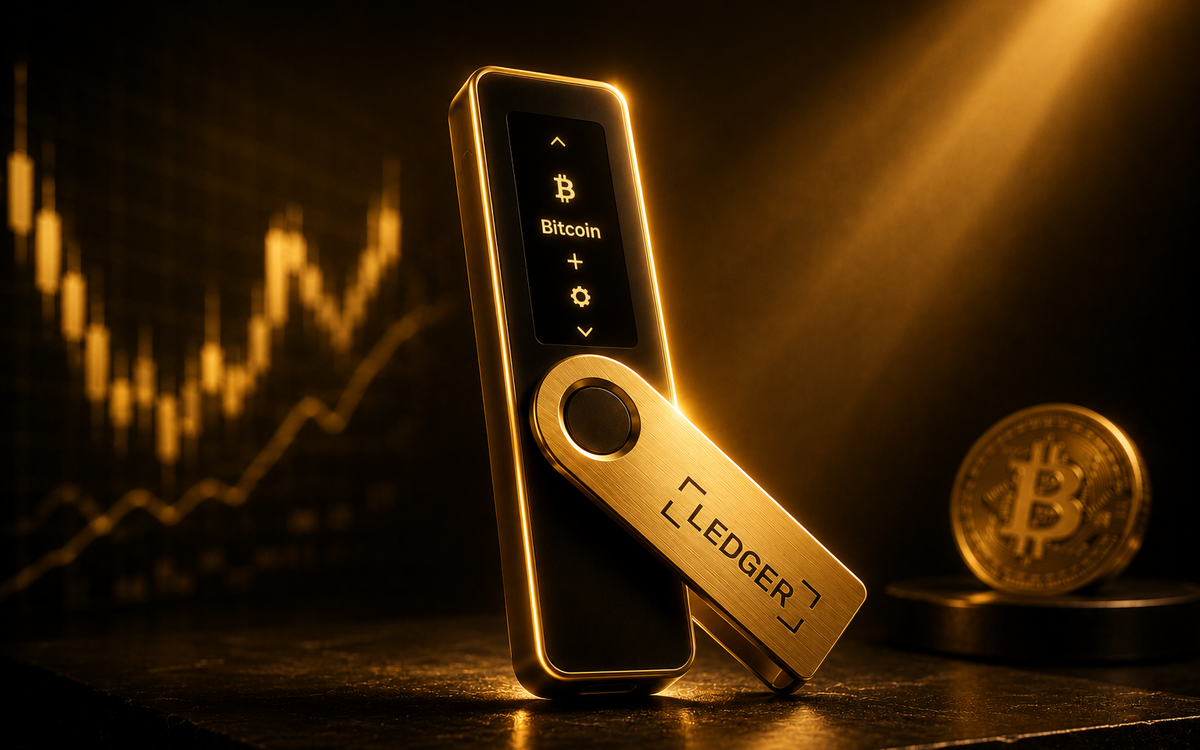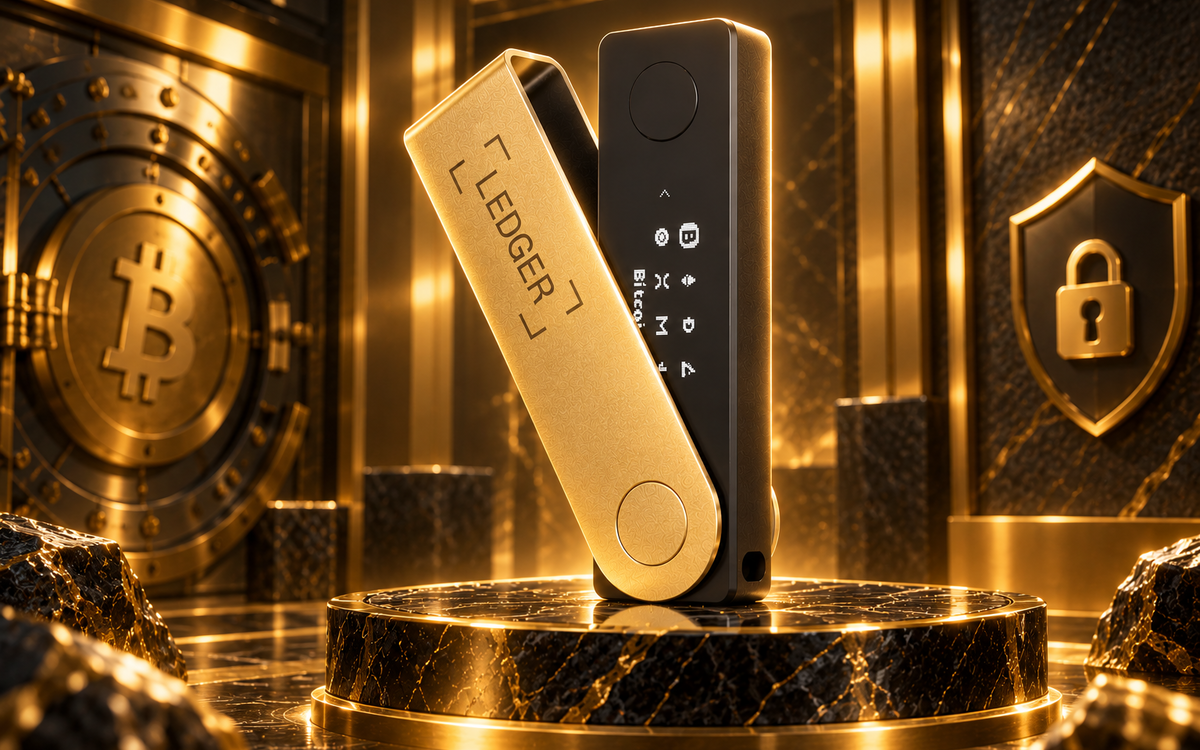
A Ledger wallet keeps your crypto’s private keys offline on a certified security chip. You hold a physical device, you approve every transaction on its screen, and no one, including Ledger, can move your funds without it.
In self-custody, there is usually no bank or central authority that can reverse a fraudulent on-chain transaction. In 2025, wallet-drainer phishing attacks stole $83.85 million from 106,106 victims, according to Web3 security firm Scam Sniffer’s 2025 crypto-phishing report, and most of that damage lands on software wallets and browser extensions that stay connected to the internet.
That’s the gap a hardware wallet like Ledger is built to close. Below are seven specific reasons it’s worth adding one to your setup, and what each one actually protects you from.
1. You Truly Own Your Crypto (Self-Custody)
Self-custody means you, not an exchange or a third party, hold the private keys that control your funds. Ledger generates and stores those keys on the device itself, never on a server someone else runs.
That matters because control of the keys is control of the assets. Leave your coins on an exchange, and you’re trusting that platform to stay solvent, stay online, and stay honest. Hold your own Ledger, and you’re the only one who can approve a transaction, which means no exchange freeze, no platform outage, and no third party between you and your crypto.
2. Private Keys Stay Completely Offline
Ledger devices are cold storage by design. Keys are generated inside the device and never leave it, even while you’re signing a transaction. Ledger’s Secure Element chip resists reprogramming once it’s set, and Ledger Academy notes that after the chip is programmed, it can’t run any other software.
This offline design cuts off three common attack paths at once:
- Malware that scans a connected computer or phone for wallet files and seed phrases.
- Phishing sites built to trick you into typing your keys or approving a malicious signature.
- Remote hacks aimed at hot wallets and exchange servers that stay connected around the clock.
Because the keys sit inside a chip that never touches the internet, a compromised laptop or phone alone isn’t enough to move your funds.
3. Strong Protection Against Hacks and Malware
Software wallets and exchange accounts stay connected to the internet, making them easier targets than an offline device. Ledger separates transaction approval from your online device entirely.
Every transfer has to be physically confirmed on the Ledger hardware itself, using its own screen and buttons, not just a pop-up on your laptop. That means even a computer running malware, or one an attacker controls remotely, can’t move funds without someone physically confirming the transaction on the device in hand.
4. Secure Hardware Built for Crypto Storage
Ledger’s security comes from purpose-built hardware, not software alone. Newer models like the Ledger Flex feature a Secure Element chip with Common Criteria EAL6+ certification, running Ledger’s proprietary Ledger OS, which encrypts everything stored on the chip. That EAL6+ rating means the chip has been tested against a well-resourced attacker and its design has been semiformally verified, the level most respected hardware wallets target in 2026.
Three features do most of the work:
- The Secure Element chip stores sensitive data the way passport and payment-card chips do, isolated from the rest of the device.
- A required PIN locks the device even if someone gets it.
- On-device transaction signing means your private keys never touch your computer or the internet.
Even if an attacker steals the device, they still need both the PIN and the recovery phrase, and Ledger never stores the recovery phrase on the device itself.
5. Clear Transaction Verification on Device
Every Ledger transaction requires a manual check on the device’s own screen, which malware cannot fake the way it can fake a computer or phone display.
Before you sign, the device shows the recipient address, amount, and network. Confirming those details there, not in your browser, stops blind signing, where a malicious transaction gets approved because nothing on a compromised screen looks wrong.
6. Protection Through Backup and Recovery
When you set up a Ledger, you get a recovery phrase that can restore full access to your funds on a new device if the original is lost, damaged, or stolen. Your crypto was never tied to that one physical unit in the first place.
This also matters more than it used to. Chainalysis recorded roughly 158,000 personal wallet compromises in 2025, nearly triple the 2022 figure, including physical “wrench attacks” where crypto holders themselves become targets.
A stolen Ledger is still useless without the PIN, and a lost one is recoverable with the phrase, which is why that phrase needs to stay offline, on paper or metal, and never in a photo, cloud backup, or text message.
7. Works Beyond Just Storage (Web3 Access)
A Ledger isn’t limited to sitting in a drawer holding coins. It doubles as a secure signing device for Web3, letting you connect to DeFi protocols, NFT marketplaces, and other decentralized apps without ever exposing your keys to the website or app you’re using.
The connected app sends the transaction details, but the actual signing happens inside the Ledger. You get to trade, stake, or collect NFTs while keeping the same offline key protection the device is built around, instead of trading security for convenience.
Ledger Hardware Wallet Comparison (2026)
Ledger currently sells five models: Nano S Plus, Nano X, Nano Gen5, Flex, and Stax. The best choice depends on price, mobile connectivity, and display size.
| Model | Display | Connectivity | Best for |
| Ledger Nano S Plus | 1.1-inch OLED, physical buttons | USB-C | Lowest-cost Ledger option with a CC EAL6+-certified Secure Element, suited to desktop or Android use |
| Ledger Nano X | 1.1-inch OLED, physical buttons | USB-C, Bluetooth | Lower-cost mobile-friendly option with a built-in battery, using an older EAL5+ Secure Element |
| Ledger Nano Gen5 | 2.8-inch E Ink touchscreen | USB-C, Bluetooth, NFC | Mid-priced touchscreen option for users who want a modern interface and mobile connectivity |
| Ledger Flex | 2.84-inch high-resolution E Ink touchscreen | USB-C, Bluetooth, NFC | High-resolution transaction review and a premium touchscreen experience for active onchain use |
| Ledger Stax | 3.7-inch curved E Ink touchscreen | USB-C, Bluetooth, NFC, Qi wireless charging | The largest display and wireless charging, intended for users who value premium design and readability |
Table 1: Ledger Hardware Wallet Lineup, 2026
The Nano S Plus is the lowest-cost entry point, while the Nano X adds Bluetooth for mobile use at the cost of an older EAL5+ Secure Element. The Nano Gen5 brings a touchscreen at a similar price to the Flex, and the Stax adds the largest display and wireless charging for people managing NFTs or DeFi positions on the move.
Common Mistakes to Avoid
A hardware wallet only protects you if it’s set up and used correctly. A few mistakes show up often enough to call out directly.
- Buying from a third-party marketplace or reseller instead of Ledger’s own store. A tampered device can be configured to leak your keys before you even notice.
- Storing the recovery phrase digitally, as a phone photo, a cloud note, or a password manager entry. That defeats the entire point of keeping it offline.
- Skipping the on-device verification step and approving transactions based only on what your computer screen shows. This reopens the exact blind-signing risk the hardware is designed to close.
- Sharing a recovery phrase with anyone claiming to be “support,” on any platform. This is a scam every time. No legitimate wallet company will ever ask for it.
Getting Started the Right Way
Two decisions matter more than any other once you’re ready to buy: where you buy from, and where you write down the recovery phrase. Get a Ledger directly from the manufacturer, set it up yourself out of the box, and record the recovery phrase on paper before the device ever touches an internet connection.
Frequently Asked Questions
Still deciding whether a hardware wallet is worth it? These are the questions that come up most often from people buying their first one.
Is a Ledger wallet safe from hackers?
A Ledger keeps private keys inside an offline, certified Secure Element chip, so remote hackers and malware on your computer can’t access them directly. The main risk shifts to the physical device and the recovery phrase, which is why a PIN and offline phrase storage matter as much as the hardware itself.
What happens if I lose my Ledger device?
Your funds aren’t lost with it. As long as you still have your recovery phrase, you can restore full access on a new Ledger or a compatible hardware wallet. This is why the phrase needs to be stored safely and never shared or digitized.
Can I use a Ledger wallet with DeFi and NFTs?
Yes, through Ledger Live and connected Web3 apps, a Ledger can sign DeFi trades, staking transactions, and NFT purchases while keeping your keys offline. The device confirms each transaction on its own screen before anything is approved.
Is a Ledger wallet better than a software wallet?
For long-term storage, a Ledger’s offline key generation and physical confirmation step protect against the phishing and malware risks that hit software wallets most often. Many crypto holders use both, keeping a software wallet for small, active balances and a Ledger for the bulk of their holdings.
Do I need technical knowledge to use a Ledger wallet?
No prior crypto experience is required. Setup walks you through generating a recovery phrase and installing apps for the assets you want to hold, and the Ledger Live app handles most of the technical work in the background.