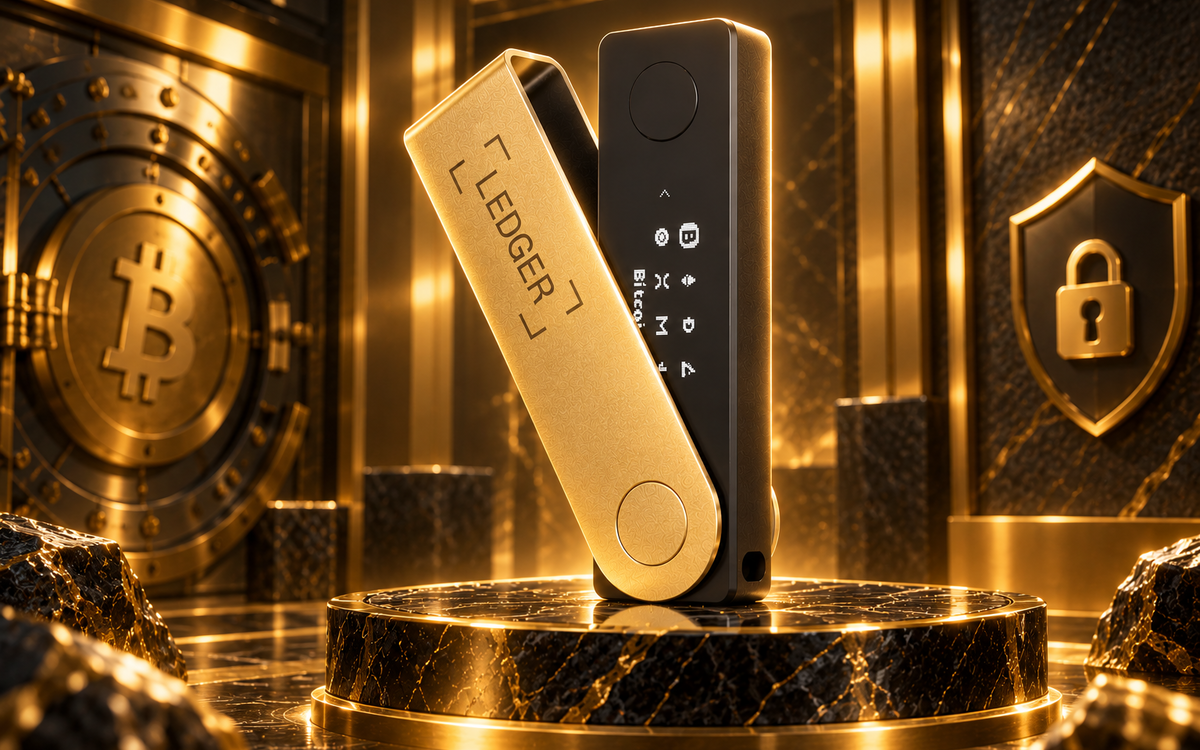
A private key is the only thing standing between you and your crypto. Lose it, and there is no customer support line, no password-reset email, and no bank willing to refund your balance. Backing it up correctly, before you need it, is the one habit that determines whether a lost phone or a house fire costs you nothing or costs you everything.
What Is a Private Key, and Why Must You Keep It Safe?
Every crypto wallet runs on a pair of keys. The public key is your account number, safe to hand out to anyone sending you funds. The private key is different, it’s the proof that only you can authorize a transaction, and whoever holds it controls the funds, regardless of whose name is on anything else.
That’s why crypto recovery doesn’t work like bank recovery. A bank verifies your identity and resets your password. A blockchain can’t verify identity. It only checks whether a transaction was signed with the correct private key. Lose that key, and the funds stay visible on the blockchain, at an address everyone can see, permanently unreachable by anyone, including you.
A 2026 survey of 1,000 US crypto holders, reported by Gnosis Pay, found that 35% had lost access to a wallet at some point. Almost always, the cause was a missing or damaged backup, not a hack.
Most modern wallets don’t hand you a raw private key. Instead, they generate a seed phrase, usually 12 or 24 words, following a standard called Bitcoin Improvement Proposal 39 (BIP-39). That phrase can regenerate every private key the wallet ever produces, so backing up the seed phrase and backing up the private key are the same job.
What Actually Happens When You Lose the Key
Stefan Thomas, Ripple’s former CTO, received 7,002 Bitcoin in 2011 as payment for an explainer video and stored the keys on an IronKey USB drive that wipes itself after ten wrong password attempts. He’s used eight. The drive now sits in a vault, holding a balance that climbed past $700 million at points in 2026.
James Howells, a Newport, Wales IT worker, threw out a hard drive holding the keys to 8,000 Bitcoin in 2013. He spent over a decade trying to get his local council to let him excavate the landfill, offering to split any recovered value and even exploring buying the site outright.
A UK High Court judge dismissed his claim in January 2025, ruling it had no realistic prospect of success, and the Court of Appeal closed off his last domestic option. The coins, worth hundreds of millions of dollars at various points in the case, are still in that landfill.
Neither case involved a hack. Both came down to one drive, one password, no working second copy.
How Do You Actually Back Up a Private Key?
There’s no single right answer here. Every method trades convenience for durability or security for accessibility, and the right choice depends on what you’re protecting and how often you need to access it.
Metal Backup Plates
A metal backup takes the same seed words you’d write on paper and stamps or slots them into a steel or titanium plate instead. Trezor, one of the two dominant hardware wallet makers alongside Ledger, sells its own version: aerospace-grade stainless steel with a rubber O-ring seal, rated to resist fire, water, and corrosion.
Independent testing puts steel plates around 1,400°C and titanium versions up to roughly 1,667°C, both well past what a house fire produces. One documented plate survived a real house fire with every word still legible. At $50 to $100 for a one-time purchase, it’s the cheapest fix for the one failure mode paper can’t survive.
Paper Backups
Writing the seed phrase on paper costs nothing and works offline, which rules out remote hacking. It also degrades, burns, floods, and fades, and a huge share of the Bitcoin considered permanently lost traces back to exactly this kind of damaged or discarded paper copy. Treat paper as a starting point for absolute beginners with small holdings, not a long-term plan.
Encrypted Digital Files
Convenient, searchable, and easy to duplicate across devices, but only as strong as the encryption and the device it lives on. A compromised computer or phone turns a digital backup into an open door for anyone who breaches that device. If you use this method at all, it should sit alongside an offline copy, not replace one.
Shamir Backup, or SLIP-39
Instead of one seed phrase that unlocks everything, this method splits the backup into several independent shares with a recovery threshold, commonly five shares where any three rebuild the wallet. Losing two, or having two stolen, doesn’t lock you out or hand a thief the wallet, since no single share reveals anything alone.
Trezor shipped SLIP-39 support in 2017 and made multi-share backups the default on newer devices in 2024. It takes more setup than a single seed phrase, so it suits larger holdings better than a first wallet.
Comparing Crypto Wallet Backup Methods
Here’s how the four methods stack up side by side, at a glance.
| Method | Cost | Survives Fire/Water | Setup Effort | Best For |
| Paper | Free | No | Minimal | Small holdings, absolute beginners |
| Encrypted digital file | Free–low | No (device-dependent) | Low | Pairing with an offline copy, not a standalone plan |
| Metal plate | $50–$100 | Yes (up to ~1,667°C for titanium) | Low–moderate | Anyone who wants a one-time, durable fix |
| Shamir Backup (SLIP-39) | Varies by device | Depends on shared storage | Higher | Larger holdings, building investors |
Table 1: Crypto wallet backup methods compared: cost, durability, and setup effort.
Whichever method you pick, keep a second full copy somewhere physically separate: a different room at minimum, a different city or a trusted family member’s house for anything substantial. A backup stored next to the original device fails the same test as a single copy. One fire, flood, or theft takes out both at once.
How to Recover a Wallet From a Backup
Recovery follows the same basic sequence, no matter which wallet you’re restoring.
- Download the wallet software only from the official developer site, never a link from a search ad or a message from someone offering to help.
- Open the app and look for “Restore Wallet” or “Import Wallet” rather than the setup flow for a brand-new wallet.
- Enter the seed phrase in the exact original order, since a single word out of place produces a different wallet entirely, not an error message.
- Let the wallet sync with the blockchain, which can take a few minutes depending on the network.
- Once the balance appears and matches what you expected, send a small test amount before moving anything larger.
- Set up a fresh backup of the restored wallet immediately, rather than assuming the old one still applies.
Common Mistakes That Turn a Backup Into a Loss
The most common failure isn’t a hack. It’s a mistake made at setup or recovery.
- Typing error. Entering a seed phrase with one wrong word, one word out of order, or a missing word doesn’t throw an error on most wallets. It silently generates a different, empty wallet, which is why double-checking every word against the original list matters more than most people assume.
- Backing up once and stopping. Each wallet you create has its own key and needs its own backup. This applies even to a wallet you only set up for a single transaction. Backing up your main wallet once and assuming you’re covered leaves every wallet created after that point unprotected.
- Storing the backup somewhere too convenient. A backup accessible enough to be convenient is accessible enough to be stolen, a phone photo of a seed phrase being the clearest example.
- Sharing the seed phrase with anyone. This includes someone who claims to work in wallet support. No legitimate support agent, from any exchange or wallet provider, will ever ask for it.
Choosing a Wallet Before Any of This Becomes Relevant
Backing up a private key matters less if the wallet itself isn’t set up correctly in the first place. A closer look at self-custodial wallets breaks down what self-custody requires day-to-day, and a roundup of crypto software wallets covers which options pair well with a Shamir-style backup down the line.
Frequently Asked Questions
Still working out the details before you set up your first backup? These are the questions that come up most often.
What’s the difference between a private key and a seed phrase?
A private key is a long string of characters tied to one specific address. A seed phrase, usually 12 or 24 words under the BIP-39 standard, can regenerate every private key a wallet has ever produced or will produce. Most modern wallets ask you to back up the seed phrase rather than an individual private key, since it covers everything the wallet controls.
Can I recover my crypto if I lose my seed phrase and don’t have a backup?
No. If no backup exists anywhere, and the phrase isn’t written down or split across a Shamir-style backup, the funds are permanently inaccessible. This isn’t a policy decision anyone can override, it’s how the underlying cryptography works.
Is it safe to store a seed phrase in a password manager?
It adds convenience but also adds risk, since a compromised password manager account exposes the phrase directly. Security researchers generally treat any internet-connected storage, including cloud-synced password managers, as a backup method to pair with an offline copy rather than rely on alone.
How often should I check that my backup still works?
Checking the words against the original list once a year, and after any move, renovation, or storage change, catches fading ink or damaged paper before an emergency forces the question. A metal backup mostly removes this concern, since it doesn’t degrade the way paper does.
Do exchange-based wallets need this kind of backup?
Not in the same way. If your crypto sits on an exchange like Coinbase or Binance, the exchange holds the private keys, and account recovery works closer to a traditional login reset. The tradeoff is that you don’t control the keys either, which is why the phrase “not your keys, not your coins” is common in crypto communities.